One photo. Take the lead.

Bulin 47 AI video generator: your freestyle

Turn your portrait into a take on the Bulin 47 street freestyle. You choose the performer; the fixed scene guides the shoulder-led delivery, camera and crowd. Choose one clear adult photo, review the quote, and start the edit. Check the whole result before sharing your AI remake.

Choose my lead photo ↗

Choose your photo

One adult. Face and shoulders visible. JPG, PNG or WebP, up to 10 MB; 300–4096 px per side, max 9 MP.

Choosing a photo creates a device-local preview. An authenticated submission sends it to this installation. Privacy Policy

Live generation and checkout are closed while the reference, price and model are verified.

Freestyle scene concept with a pink-shirt lead, a speaker holder and red doorway
Scene concept illustration. Not the original clip or an AI video result.
One lead. One freestyle.

The lead in the pink shirt is the replacement target. The speaker holder and crowd are outside that role; AI can still change details.

Built around one recognizable moment

The Bulin 47 AI meme takes a familiar freestyle and gives its lead role to someone new. The scene people recognize is specific: sunglasses, a pale-pink shirt, a portable speaker in the foreground, a crowd filming on phones, and a red-lit entrance. The joke is the contrast between the performance everyone knows and the person they never expected to see performing it.

A character replacement and a newly generated dance are different jobs. This studio is being prepared for the former: one photo supplies the lead identity, and a fixed performance clip supplies the action. The original recording, the song Dame Hombro, and later AI remixes are separate pieces of media. This is an independent project with no affiliation to Bulin 47 or Kevin Wai.

Know what you are preparing

Input
One permitted adult photo
Target role
The performer in the pink shirt
Reference
Fixed street freestyle, footage pending
Target output
MP4 following the source framing

How to make your Bulin 47 AI video

One portrait chooses who takes the lead. The task stays attached to your request through sign-in, progress checks and delivery.

  1. Choose the lead

    Choose a permitted adult portrait with face, hair and shoulders visible. Preview the crop, choose the output setting and confirm consent. Photo selection alone does not create a task.

  2. Review before generating

    Sign in when you submit. The studio checks a fresh balance and the server quote, then validates and reviews your image before reserving credits and submitting that request once. Returning from login or payment never starts it automatically.

  3. Check the whole clip

    Follow the same task through progress, saving and preview. Review the face, hands, crowd and sound before download. If saving fails, recover the original result; if submission is uncertain, check its identity instead of creating a second render.

A freestyle remake with a clear lead role

The joke stays recognizable

The workflow targets the pink-shirt performer, leaving the speaker holder outside the role. Your portrait supplies the new lead; the fixed clip supplies the performance context. Exact likeness and unchanged background still depend on the model.

A request that stays yours

Task identity combines the signed-in account and the request. Refreshing your clip does not switch to another newer task, and another account cannot read or download it. Reselecting a photo deliberately starts a new request.

Save the result before sharing

Preview and download appear after a result is saved. A delivery failure keeps the original task and debit, so the recovery action retries storage rather than another render. Watch the full video before treating it as ready to post.

Who gets the lead role?

Use-case concept illustrations, not generated video examples.

The quiet friend has bars Use-case concept illustrations, not generated video examples.

The quiet friend has bars

For the group chat that already quotes the hook. Use a consenting adult friend’s photo and let the contrast between their everyday portrait and the familiar performance carry the joke. Ask them to review the remix before it leaves the chat.

Your character, the same scene Use-case concept illustrations, not generated video examples.

Your character, the same scene

Bring an original adult character your audience recognizes into the lead role. The humor comes from seeing a familiar mascot deliver that unusually confident performance. Stylized anatomy can drift; a more human-shaped portrait is a safer starting point.

A birthday reaction worth sending Use-case concept illustrations, not generated video examples.

A birthday reaction worth sending

Make a personal reaction for the friend who always brings the speaker. Choose your own photo or a permitted adult photo, add your message in a separate editor, and share it as an AI remix rather than a real performance or endorsement.

Choose a way to recreate the meme

Bulin 47 creation methodWhat you prepareWhat you controlMain limitation
Fixed-template AI editOne portrait and an authorized performance clipLead identity, within the model’s interpretationFaces, hands and background can drift; requires an actual quality test
Manual video editingFootage, edit tools and time to mask or compositeCuts, captions, overlays and audio timingReplacing a moving full-body subject takes more work than adding captions
Prompt-only videoA written scene description, optionally a portraitA new scene inspired by the ideaDoes not reproduce the original gestures or handheld camera reliably

Show the model the whole upper-body role

Portrait framing illustrations; not tested video outputs.

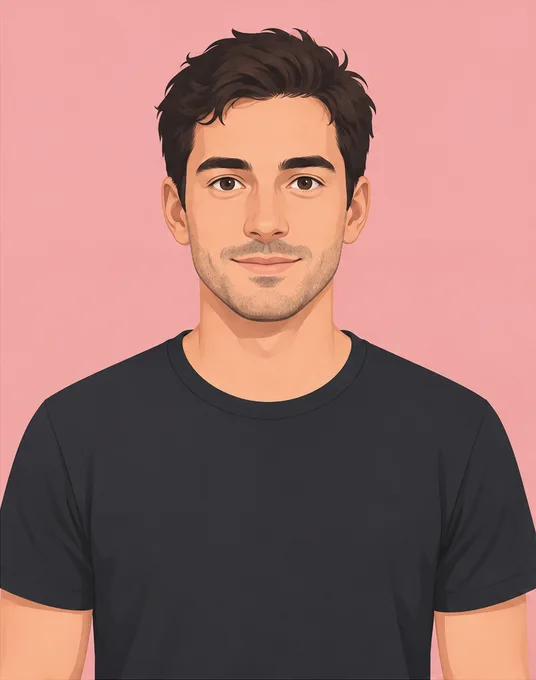
Better input: clear eyes, even light, head and shoulders in frame.
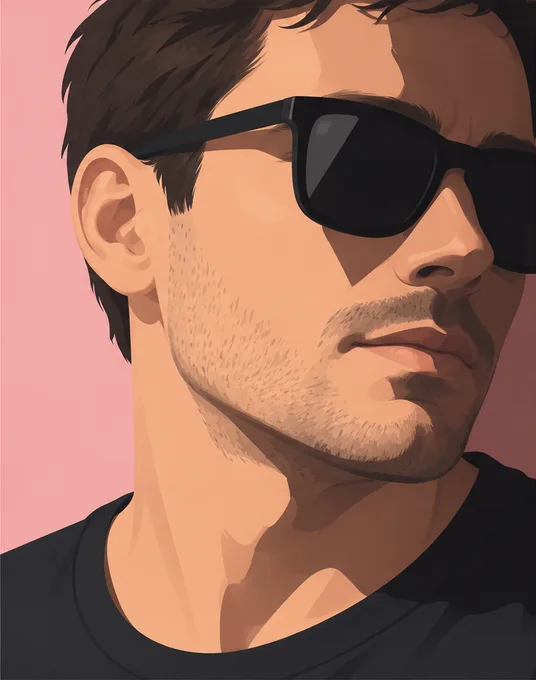
Avoid: covered eyes, a tight face crop and a strong side angle.

Give your photo a fair shot

  • Show the face straight on. Avoid strong profile angles, sunglasses and hair that covers the eyes.
  • Leave room for shoulders and hands. A tightly cropped face gives the model less information for the expressive upper-body performance.
  • Use even light and one adult. Multiple faces, heavy filters and motion blur make it harder to identify the intended lead.
Bulin 47 photo guide ↗

One photo. Your next video.

Buy a credit pack with no subscription. Standard 480p uses 100 credits; HD 720p uses 200. Purchased credits do not expire.

Single

$6.90 USD

100 credits

One Standard video

  • Purchased credits never expire
  • One-time payment · no auto-renewal
  • MP4 download · no application watermark

Creator

$24.90 USD

900 credits

9 Standard videos or 4 HD + 1 Standard

  • Purchased credits never expire
  • One-time payment · no auto-renewal
  • MP4 download · no application watermark

What your credits cover

Standard 480p: 100 credits per video. HD 720p: 200 credits per video. MP4 download with no application watermark. A confirmed failed or rejected generation returns its reserved credits; this is a credit adjustment, not a cash refund. Optional reference audio is selected in the generator.

Prices are in USD. Review any applicable tax and the final total at checkout. Payment is handled by Waffo Pancake when offered; credits arrive after confirmed payment.

View credit packs ↗

Terms of Service · Privacy Policy · Billing, credits & refunds · Contact & support

Bulin 47 AI questions, answered

Is this the official Bulin 47 app?

No. AI Bulin 47 is an independent project and is not affiliated with or endorsed by Bulin 47, Kevin Wai or their labels.

What photo should I choose?

Choose one clear adult portrait with face, hair and shoulders visible. JPG, PNG or WebP, up to 10 MB; each side 300–4096 pixels, up to 9 megapixels, with a width-to-height ratio between 0.4 and 2.5. The server checks complete decodability before creating a task or charging credits.

What does my photo control?

Your portrait selects the lead in the pale-pink shirt. It does not select the speaker holder, surrounding people, camera move, lyrics or voice. The edit instruction uses the fixed clip, but AI can still change background and body details.

Does it keep the original sound?

The goal is to align the authorized source sound with the edit. Reusing original audio is different from cloning your voice, and lip sync may vary. The source and rights have not yet been supplied; the local workflow test is silent and does not prove soundtrack delivery.

Will my face and the crowd be identical?

No exact match is promised. The intended edit changes the lead performer, but AI may alter facial features, hands, clothing, background people or camera details. Review the entire result before sharing.

How long does generation take?

There is no verified processing-time estimate yet. We will measure the complete render and delivery path before publishing a time estimate. Choosing a photo does not start a task.

What happens if a render fails?

A definitive failed task returns its reserved credits once. An uncertain submission needs reconciliation before a retry. If the model succeeds but saving fails, recover delivery from the same task without another render or debit. The local tests verify these application rules; actual supplier behavior and cash refunds remain separate checks.

Where is my photo stored?

Before submission, the photo draft stays in your browser and expires after 24 hours; expired records are cleaned on the next visit. An authenticated local test stores a private input and output in this installation. Delete a completed task to remove its local media, or clear only the browser draft. Production processors and retention must be finalized before launch.

Can I use a celebrity or a child’s photo?

No. This workflow is for your own photo, a consenting adult’s photo or an original adult character you may use. Public figures, minors, deceptive impersonation and non-consensual content are excluded.

Your turn in the freestyle.

Choose the lead, keep the original task, and review the whole remix before sharing.

Choose my lead photo ↗